
For studios · Payments & Payouts
Payroll
Pay your instructors. Build pay periods, review what's owed, and mark them paid.
Payroll helps you pay your instructors for the classes they’ve taught, grouped into pay periods. Open Payroll.
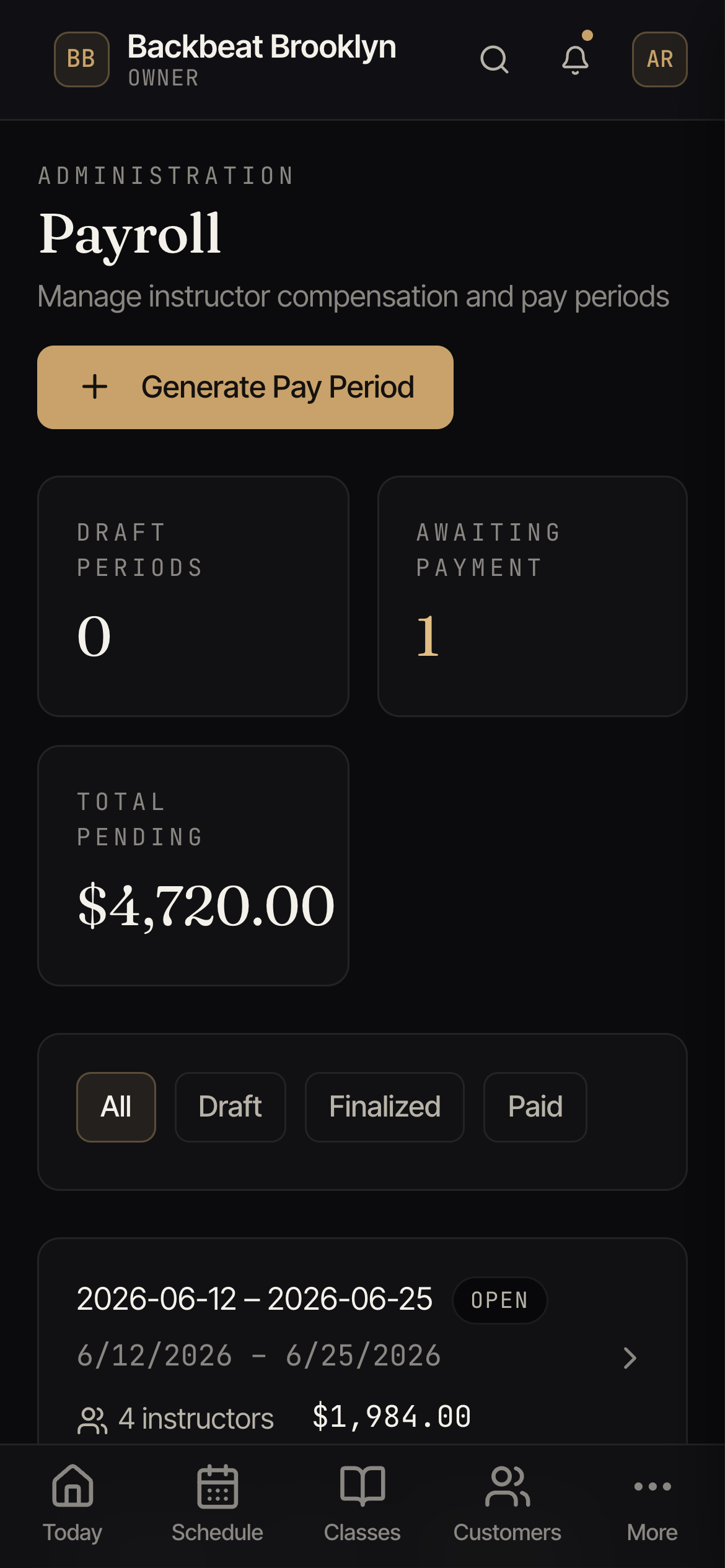
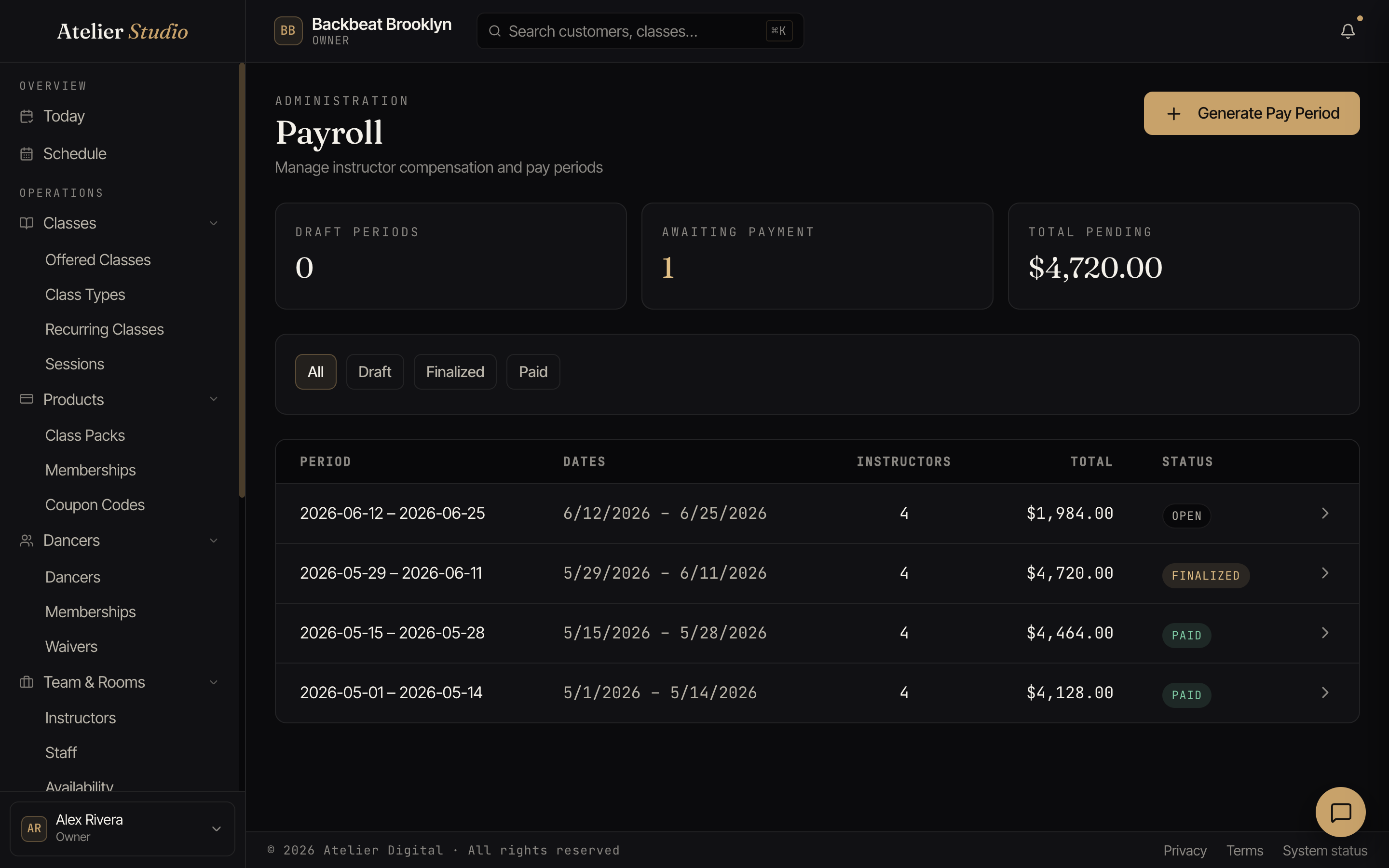
The at-a-glance numbers
The cards up top show how many periods are still in draft, how many are awaiting payment, and the total pending across them.
How a pay period works
Select Generate Pay Period for a date range. Atelier Studio totals what each instructor earned. You review it, finalize it, and mark it paid once you’ve sent the money. Each period shows its dates, how many instructors it covers, the total, and its status: Open, Draft, Finalized, or Paid.
Make-up lessons
A make-up lesson is a free lesson you book for a student who missed one. Teachers are not paid for it. On the instructor’s statement it still appears as a line, with a Make-up badge and the words Make-up lesson: not paid, and its pay is $0. This is true for every kind of pay rate, including a minimum amount.
If a student takes a make-up place in a group class, the class is paid as usual but the make-up place adds nothing. The line reads, for example, 12 students (+1 make-up, not paid). The session count still includes the make-up. If you want to pay a teacher for a make-up anyway, add a manual adjustment. This applies to pay periods you generate from now on. Statements you already generated do not change. The PDF shows (Make-up) beside the lesson, and the CSV has a Make-up Lessons count for each statement.