
For studios · Common Tasks
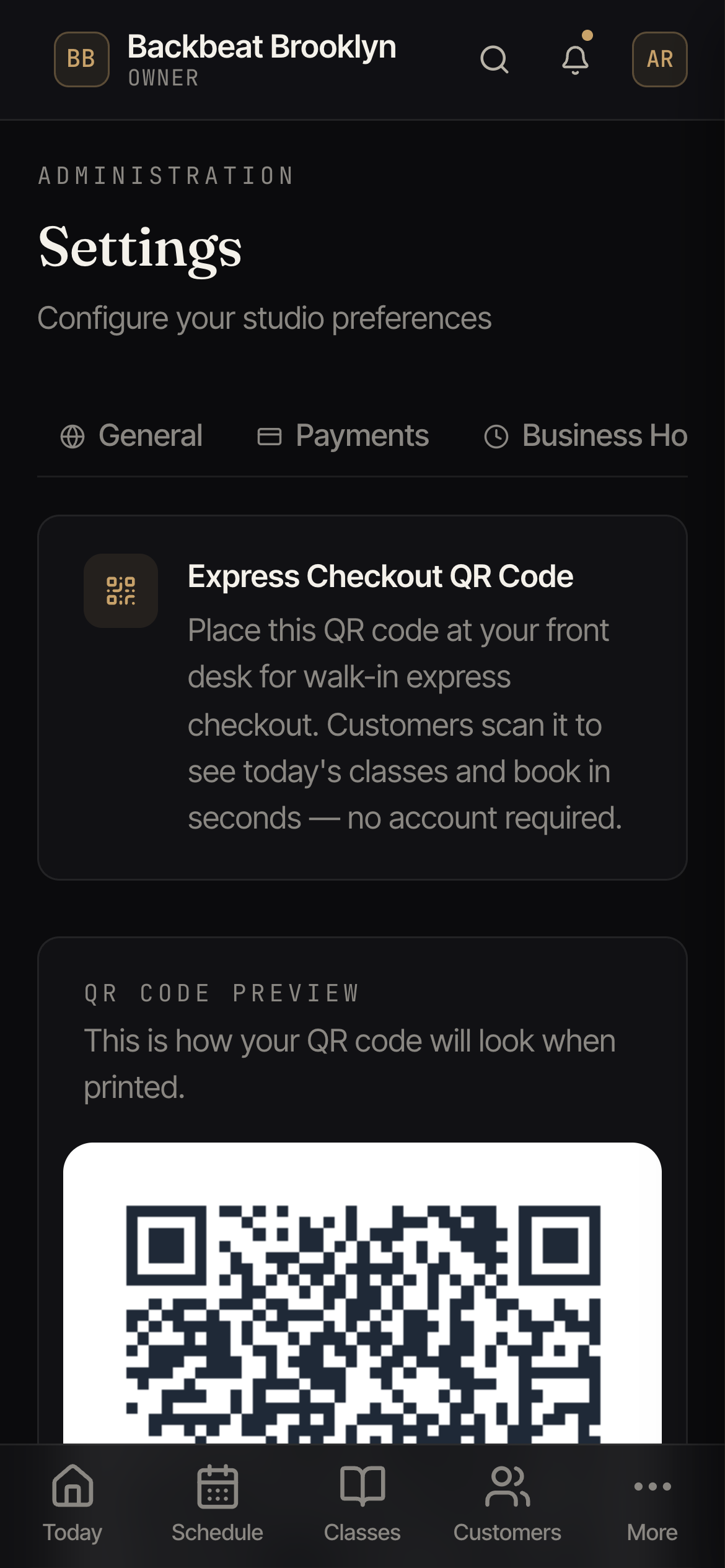
Express Checkout (scan to book)
Let walk-ins scan a QR code to see today's classes and book in seconds, no account needed.
Express Checkout is the fastest way to catch a walk-in. You display a QR code; someone scans it with their phone, sees the classes left today, and books on the spot. No account, no fuss.
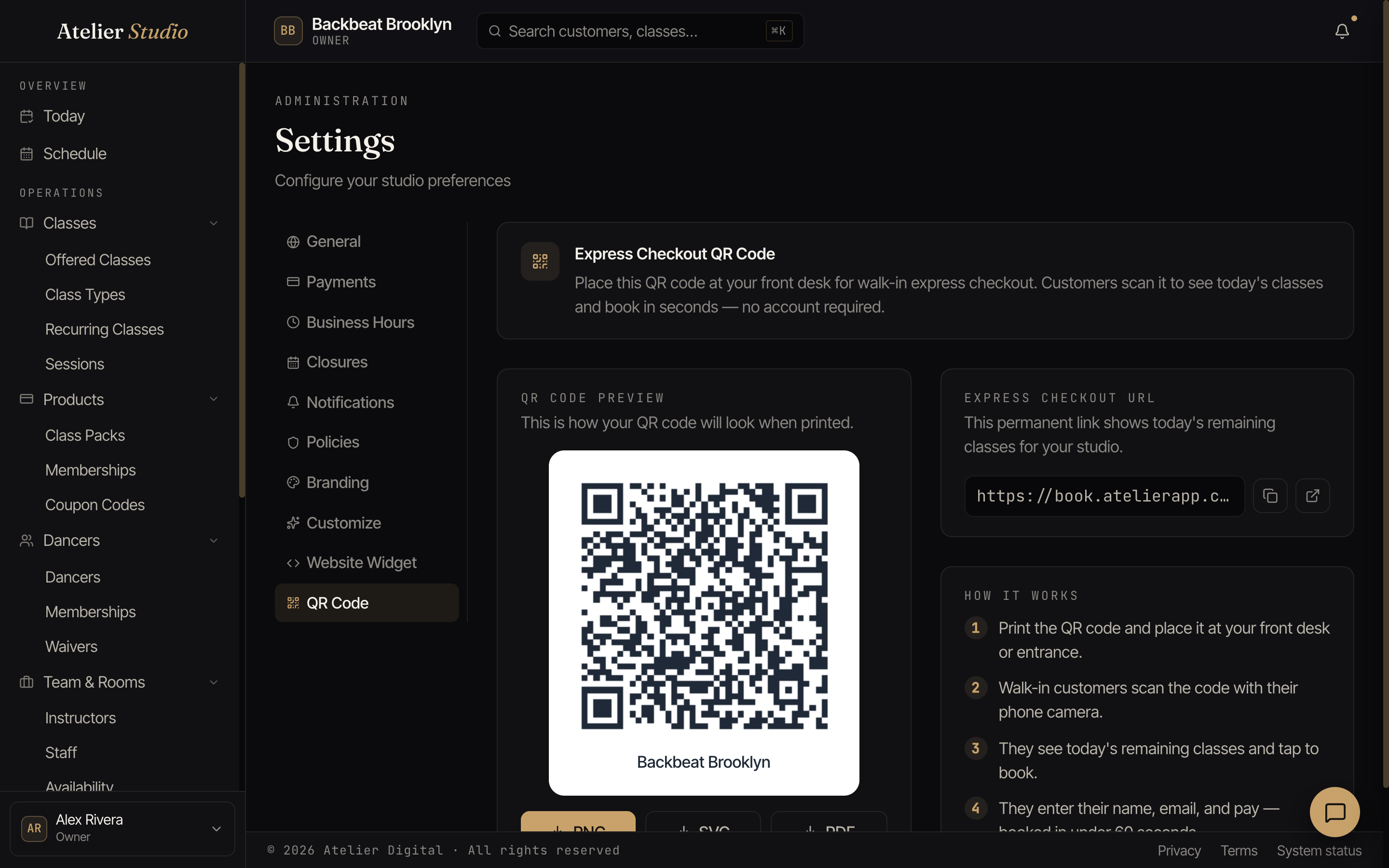
Find your code under Settings → QR Code.
How it works
- Print the code and put it where walk-ins will see it: the front desk, the door, the studio window.
- A walk-in scans it with their phone camera.
- They see today’s remaining classes and tap one to book.
- They enter their name and email and pay, all in under a minute.
Get the code
From the QR Code page you can download a ready-made poster (PNG, SVG, or a branded PDF), or copy the permanent link. It always shows today’s classes, so you set it up once and never touch it again.
Control how late people can book
By default, a walk-in can book a class right up until it ends. You decide the cutoff under Settings → Policies → Booking settings: stop taking bookings a few minutes before a class ends or after it starts, or keep every class open until the end of the day so someone can drop in first and book afterward. You can also switch Express Checkout off there entirely.