
For studios · Insights
Analytics
A clear read on how your studio is doing: revenue, bookings, memberships, and your most popular classes.
Analytics gives you the big picture at a glance: how busy you are, how much you’re taking in, and what’s most popular. Open Insights → Analytics.
The headline numbers
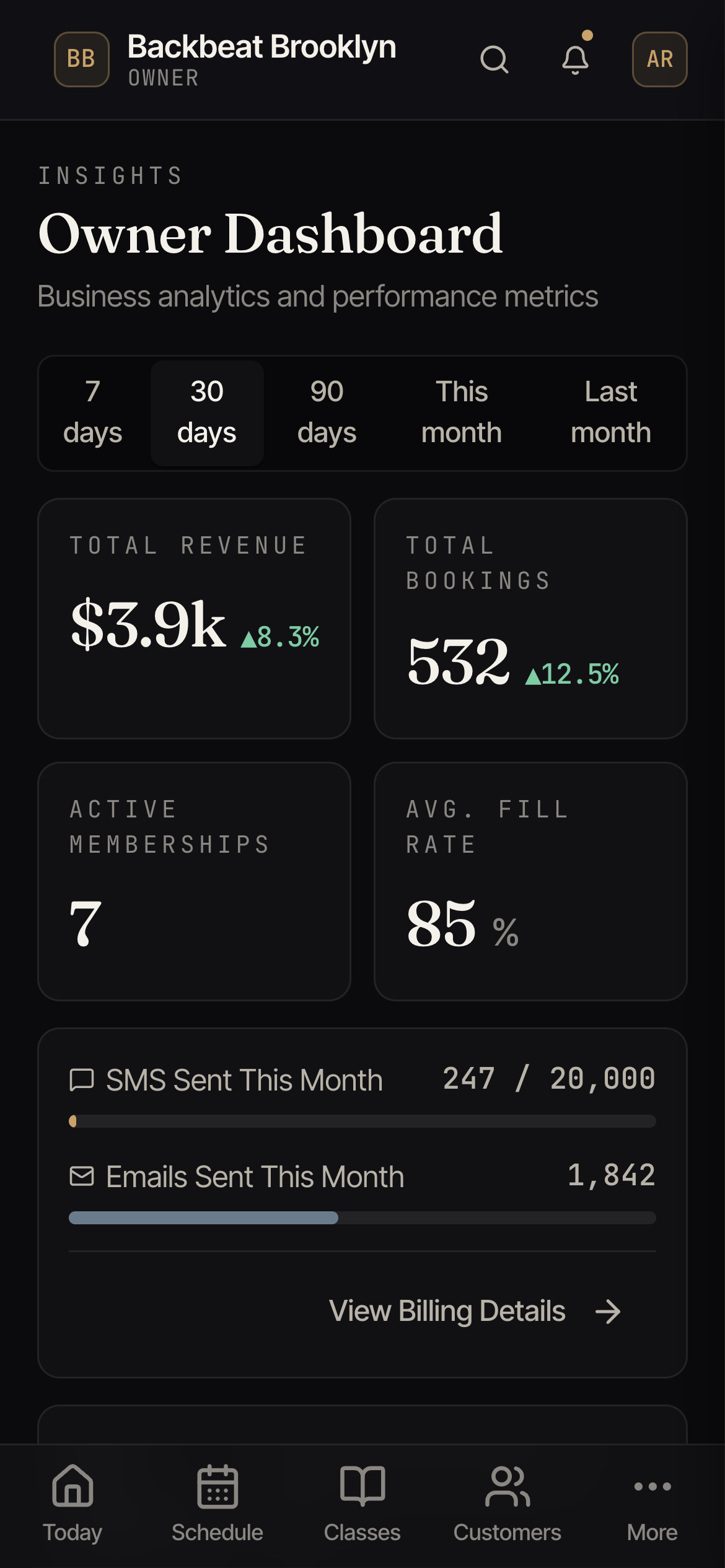
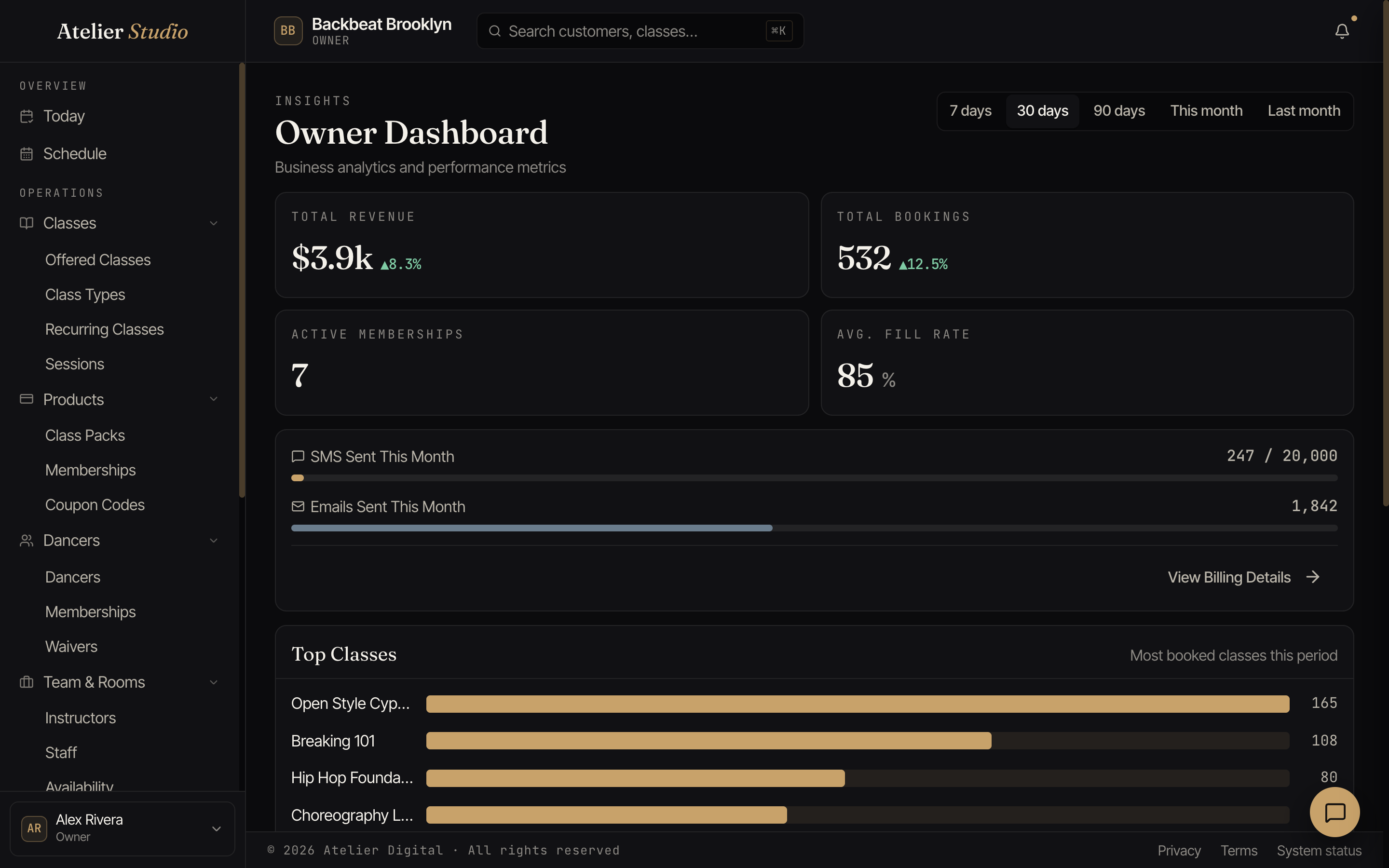
The cards up top show your total revenue, total bookings, active memberships, and your average fill rate (how full your classes are on average). The little percentages compare against the period before, so you can tell a good stretch from a quiet one.
Lost disputes
Sometimes a customer asks their bank to take a payment back (a dispute), and the bank decides for the customer. When that happens, the Revenue card shows a separate Lost disputes line with a minus sign, and the number at the top of the card is your revenue after it. You will only see this line when you have a lost dispute in the period.
- The line is dated by the day of the original payment, not the day the bank decided. A payment from last month stays in last month.
- The amount is never more than what was left of that payment after any refunds.
- Disputes you won, and disputes that are still open, take nothing out of your revenue.
You may also see a separate Stripe dispute fees line. Stripe takes this fee when a customer disputes a payment. It is not taken out of the revenue above.
Choosing a period
Use the buttons at the top right (7 days, 30 days, 90 days, This month, Last month) to change the window everything is measured over.
What’s popular
Further down, Top Classes ranks your most-booked classes for the period, handy for spotting what to put on more of. You’ll also see how many texts and emails you’ve sent this month.