
For customers · Booking & Classes
Booking a class
Find a class at your studio, reserve your spot, and get your confirmation.
Booking a class takes a few seconds. You can do it from your studio’s booking page or in the Atelier Studio app.
Find a class
Open your studio’s page and browse the Schedule by day. Each class shows the time, who’s teaching, the level, and how many spots are left.
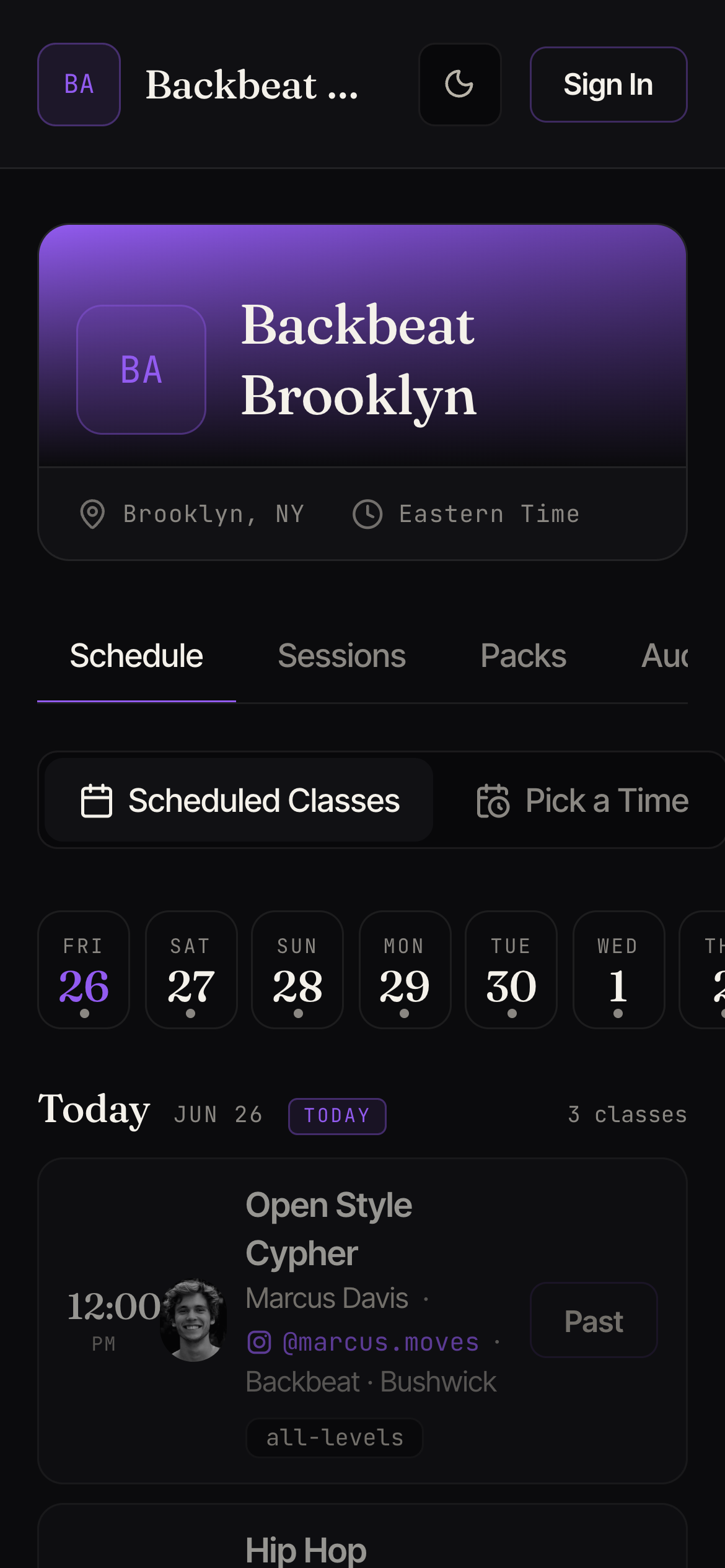
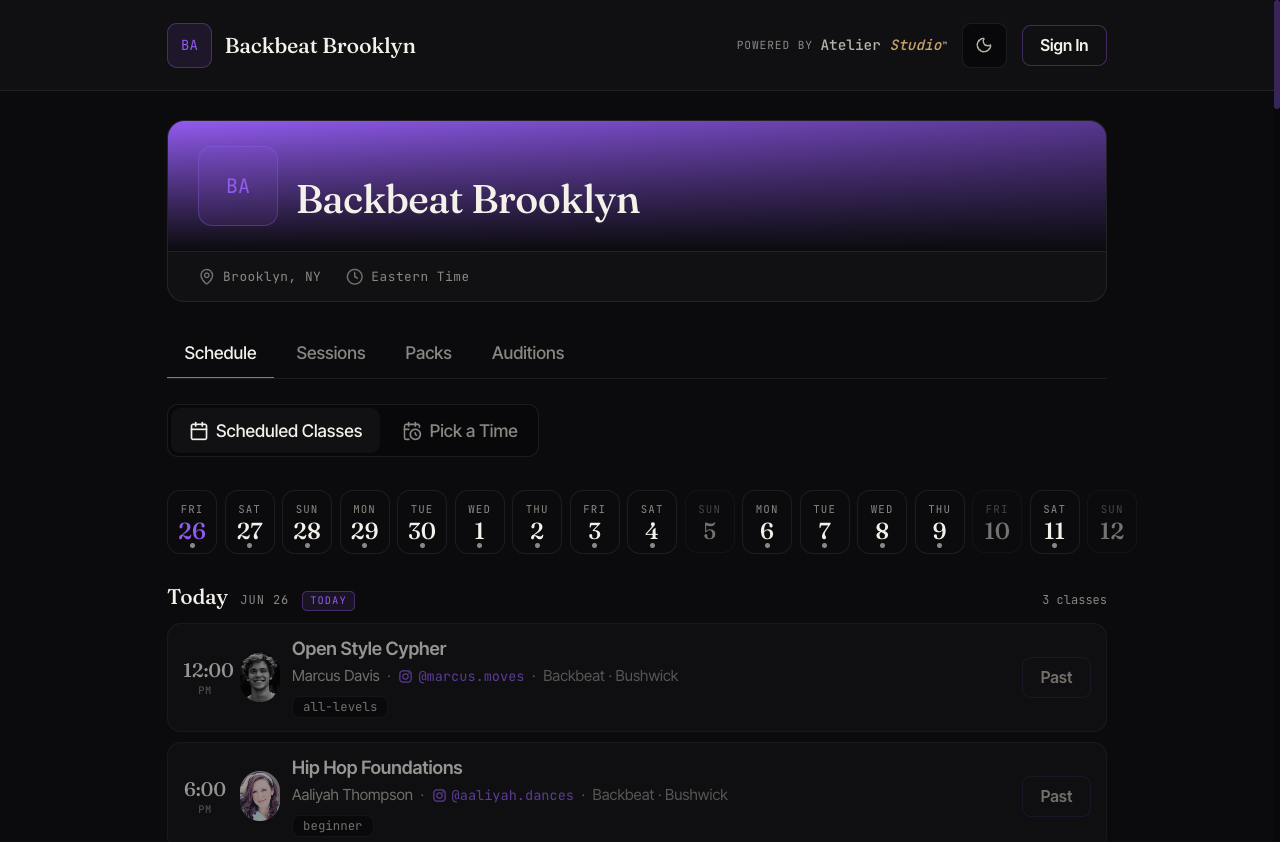
You can move between days with the date strip, or use Pick a Time to find a class that fits your day.
Reserve your spot
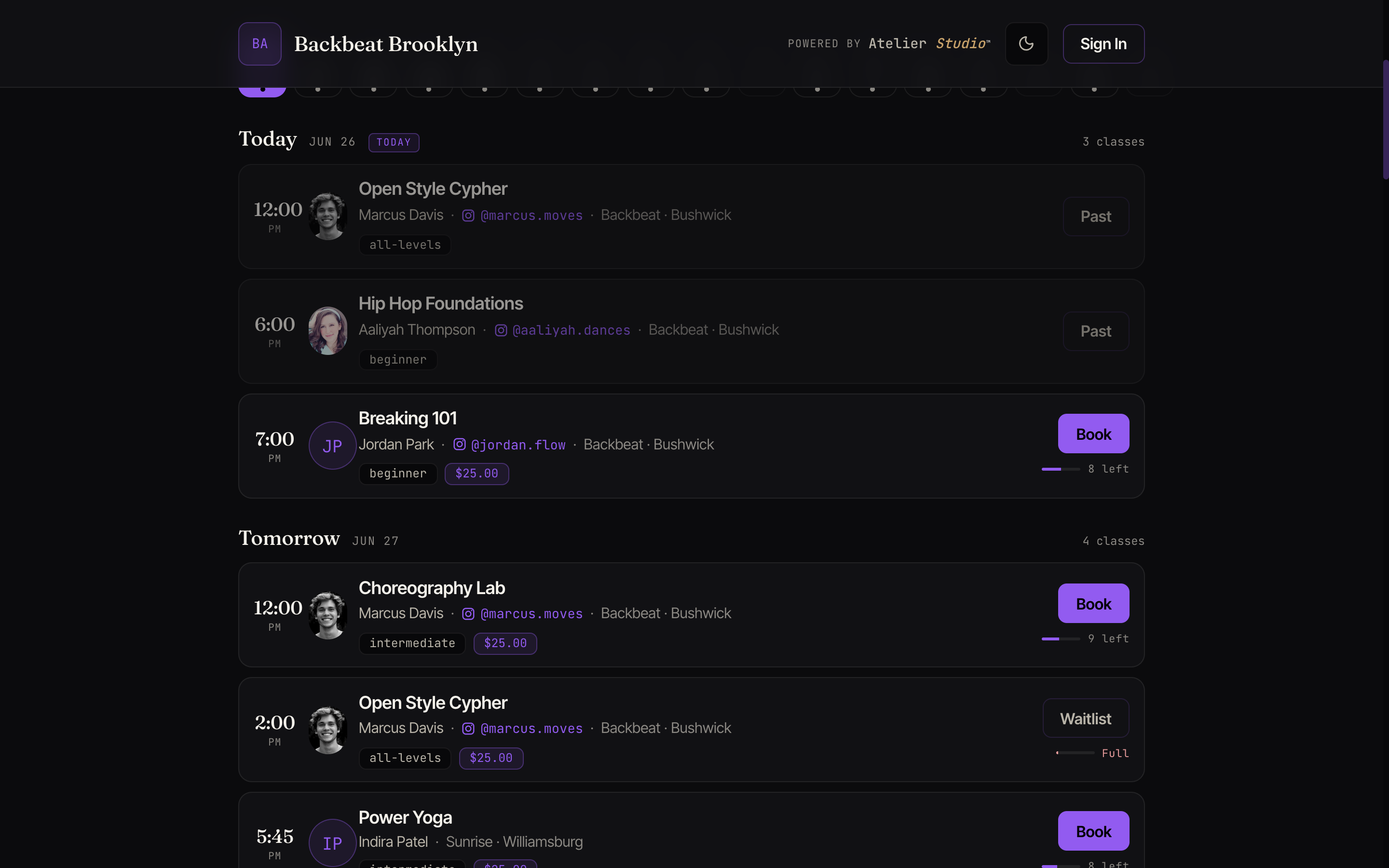
Find the class you want and select Book. Each class shows its price and the spots remaining, so you know before you tap.
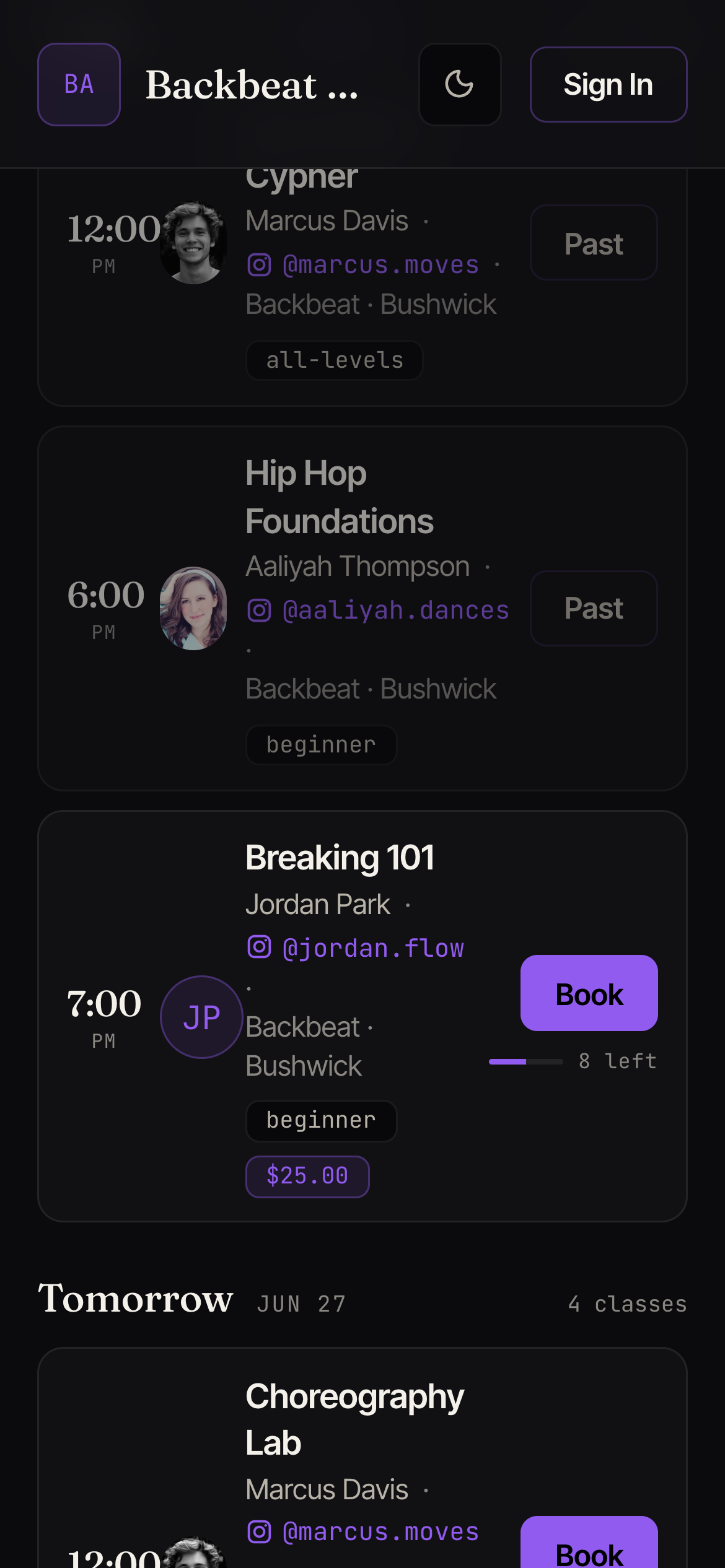
If the class has a drop-in price you’ll enter your name and email and pay at this step. You can pay with a card, Apple Pay, or Google Pay, and you’ll see the class price before you confirm. If you have a membership or pass that covers it, your spot is reserved without paying again. If you’d like to buy a pass to use right away, you’ll only be offered memberships and packs that work for this class. One meant for a different kind of class won’t show up here, so it can’t be used by mistake.
Your confirmation
You’ll get an email (and a push notification in the app) confirming your spot, with the time, location, and a link to add it to your calendar. The class also appears under My Schedule.
Class is full?
If every spot is taken, the button shows Waitlist instead of Book. See Waitlists and full classes. Need to change or cancel? See Canceling or rescheduling.