
For customers · Booking & Classes
Your schedule and bookings
See everything you've booked across every studio in one place, and open a class to manage it.
My Schedule is your home for everything you’ve booked. If you go to more than one studio, they all show up here together: one list, one account.
Finding a booking
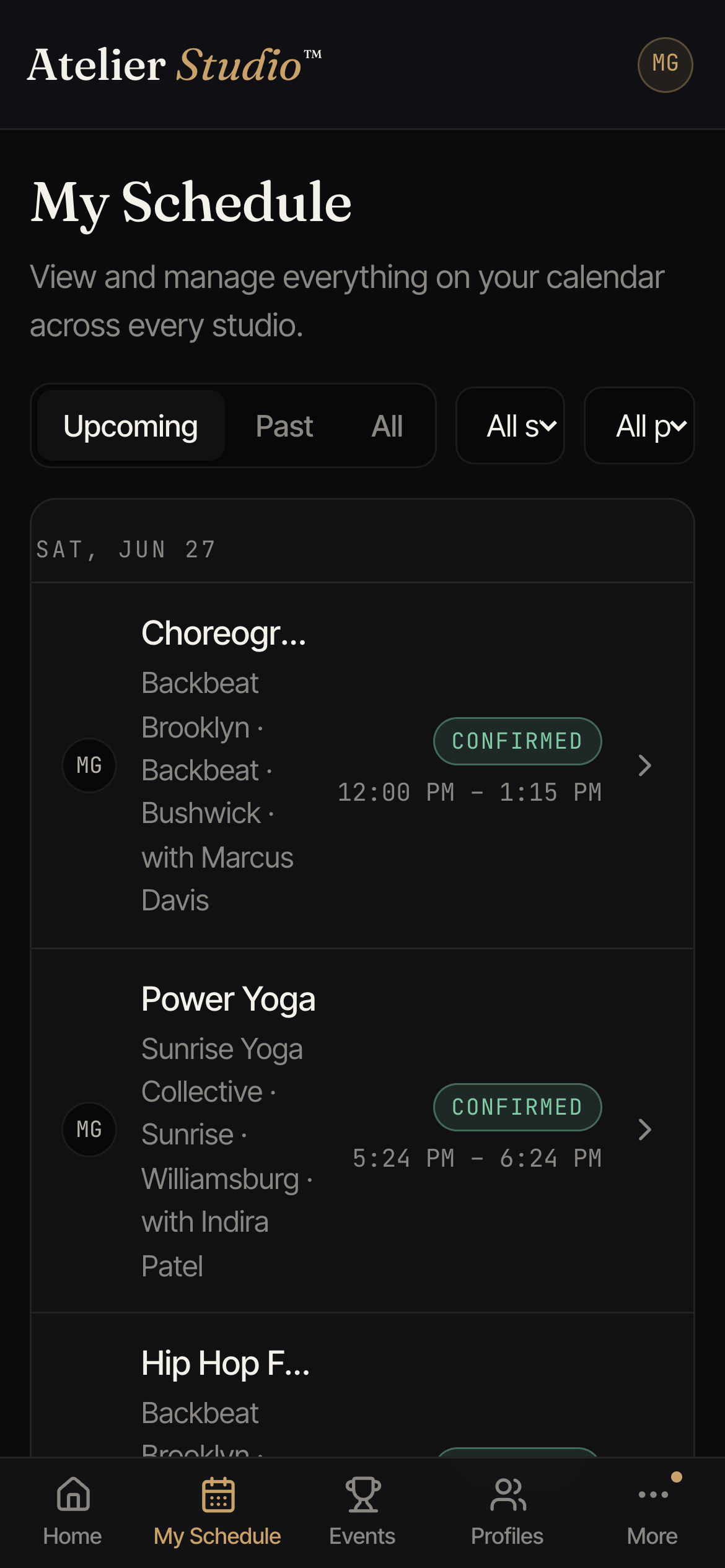
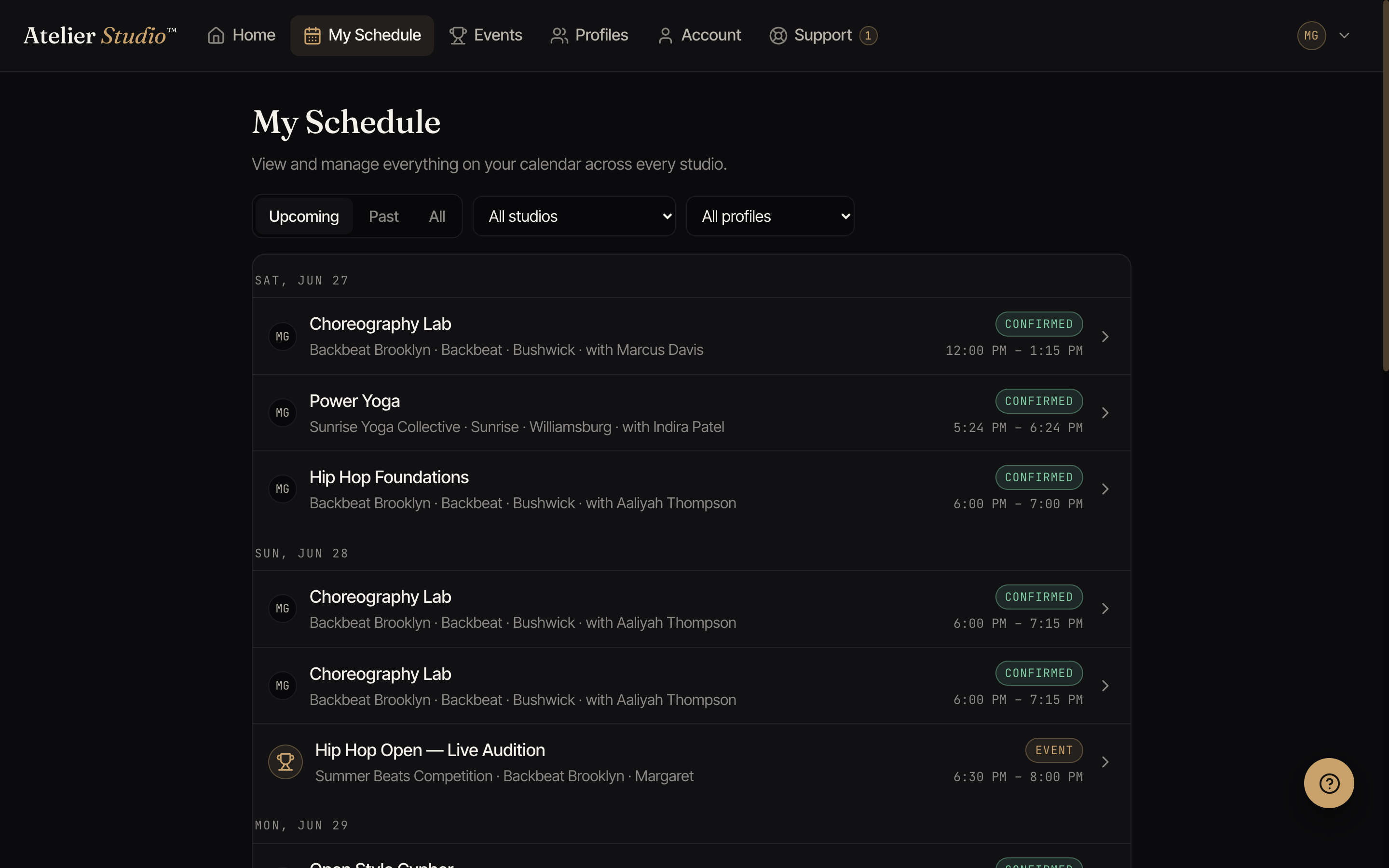
Open My Schedule from the menu. Classes are grouped by date with the studio, location, and instructor. Use the filters at the top to narrow things down:
- Upcoming / Past / All: switch between what’s coming up and what you’ve already done.
- All studios: show just one studio if you go to several.
- All profiles: show classes for one family member if you book for your household (see Booking for your child).
Opening a class
Select any class to see its full details: date, time, instructor, which profile it’s booked under, and the studio. From there you can cancel if your plans change (see Canceling or rescheduling).