
For customers · Your Account & Passes
Memberships and passes
Buy a membership or class pack, see what's left, and book without paying each time.
If you go to a studio regularly, a membership or class pack is usually cheaper than paying per class, and it makes booking faster.
The difference
- Membership: a recurring subscription (monthly or per term) that gives you unlimited classes or a set number each period.
- Class pack: a pack of classes (say, 10) you buy once and use up over time, with no recurring charge.
Buying one
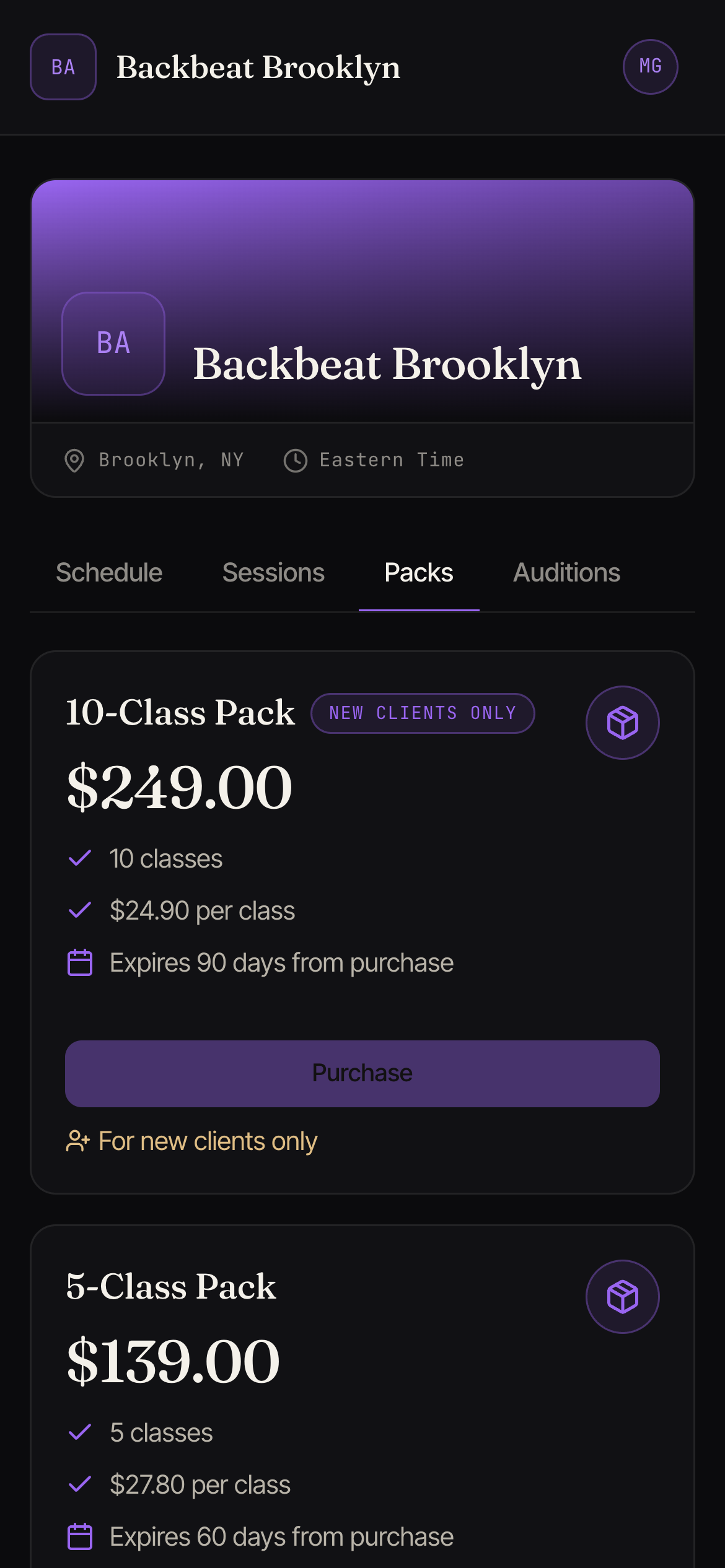
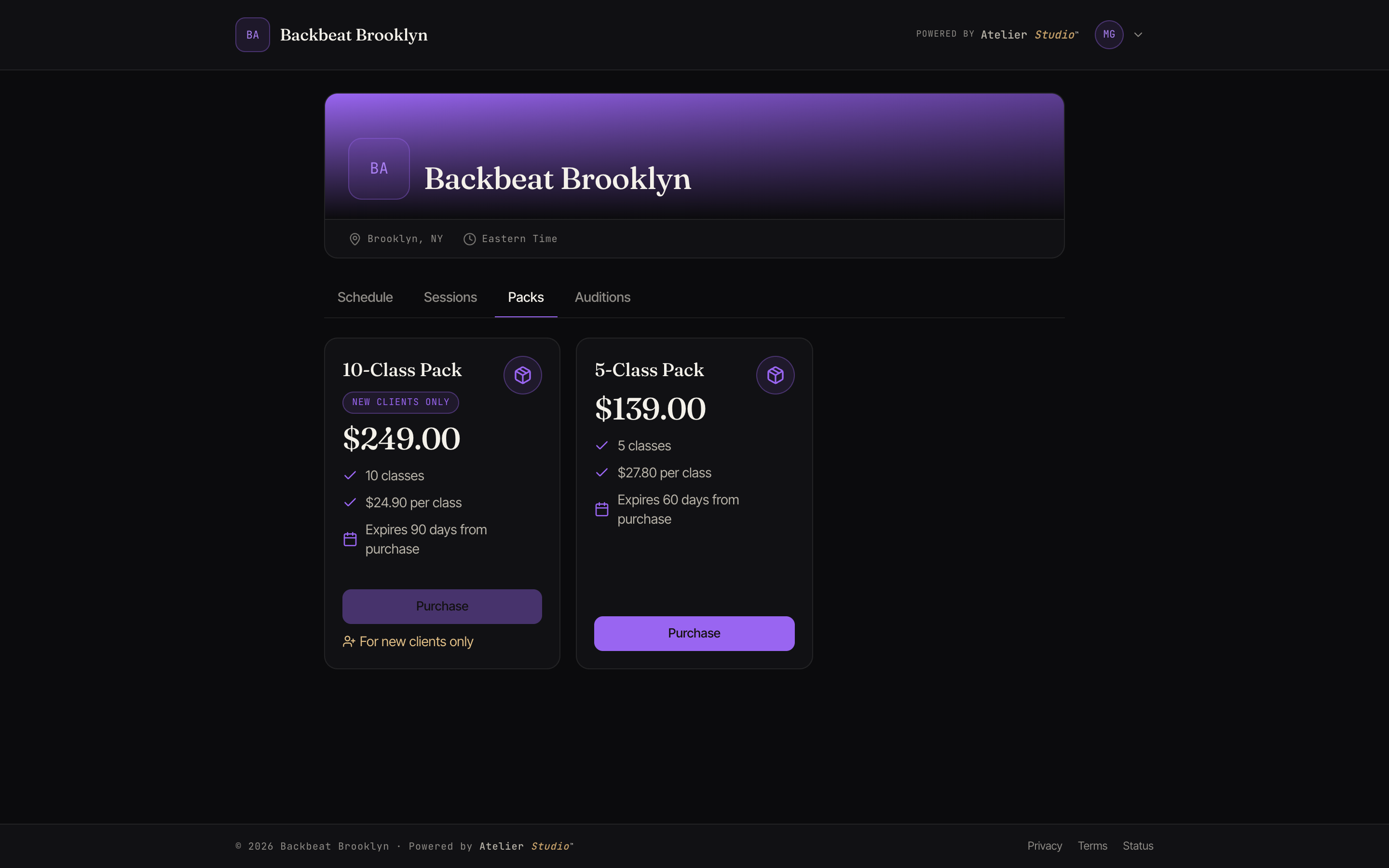
On your studio’s page, open the Packs tab (your studio may also offer memberships there), pick one, and pay with a card, Apple Pay, or Google Pay. You’ll see the exact amount before you confirm. It’s added to your account straight away and applies automatically the next time you book an eligible class.
A few packs come with limits. One marked New clients only is reserved for people who are new to the studio, so if you’ve bought from that studio before its Purchase button is switched off with a short note. Others cap how many times you can buy them; once you reach that, you’ll see Purchase limit reached. Most packs have no limits, so you can just pick one and pay.
Joining by invitation
Some plans aren’t listed publicly. Your studio invites you to one by email. Open the link, choose who it’s for, and add a card to join.
If your studio set a start date, you won’t be charged when you accept. The screen shows First payment on that date. We save your card and take the first payment then, and bill on that day from then on. This is common when a studio is moving you over from another system, so your billing day stays the same.
Checking what you have
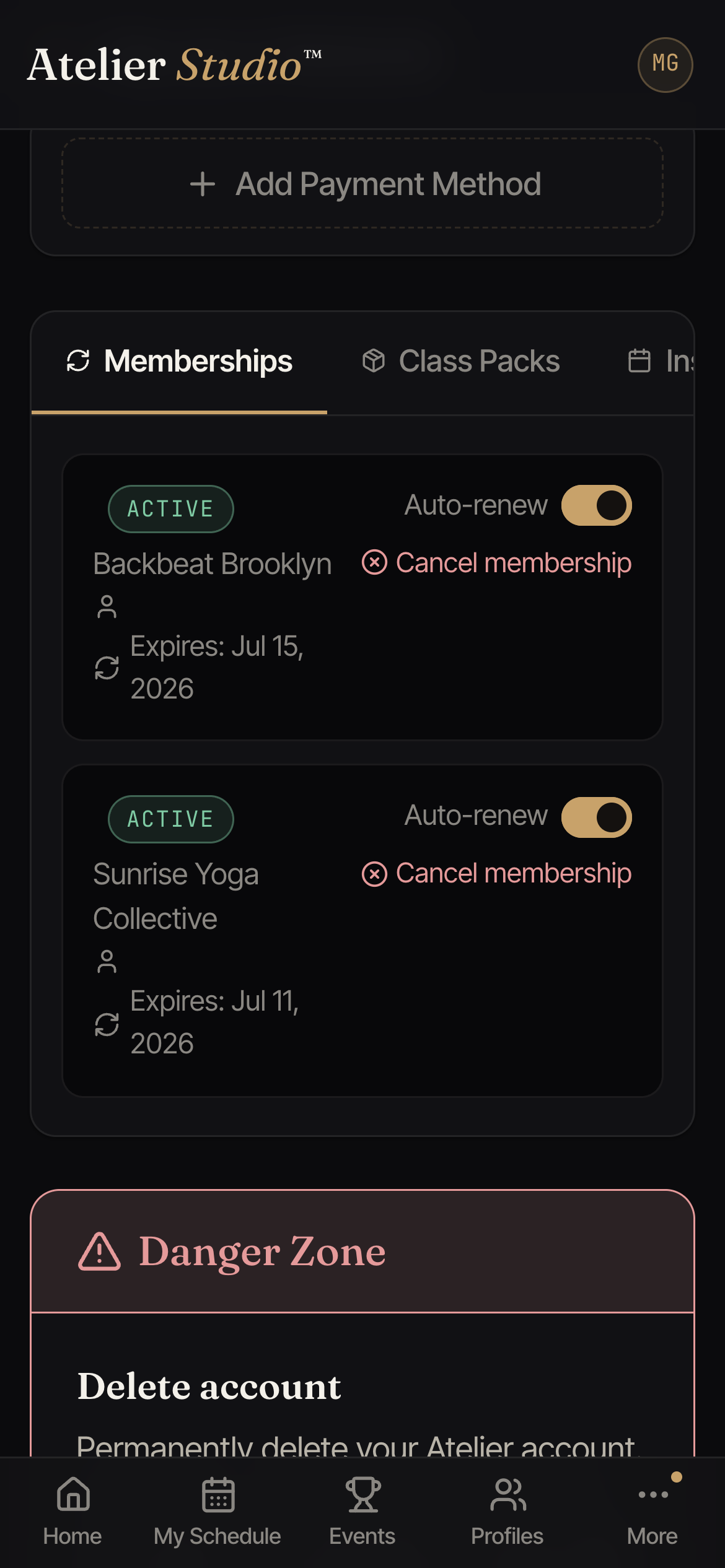
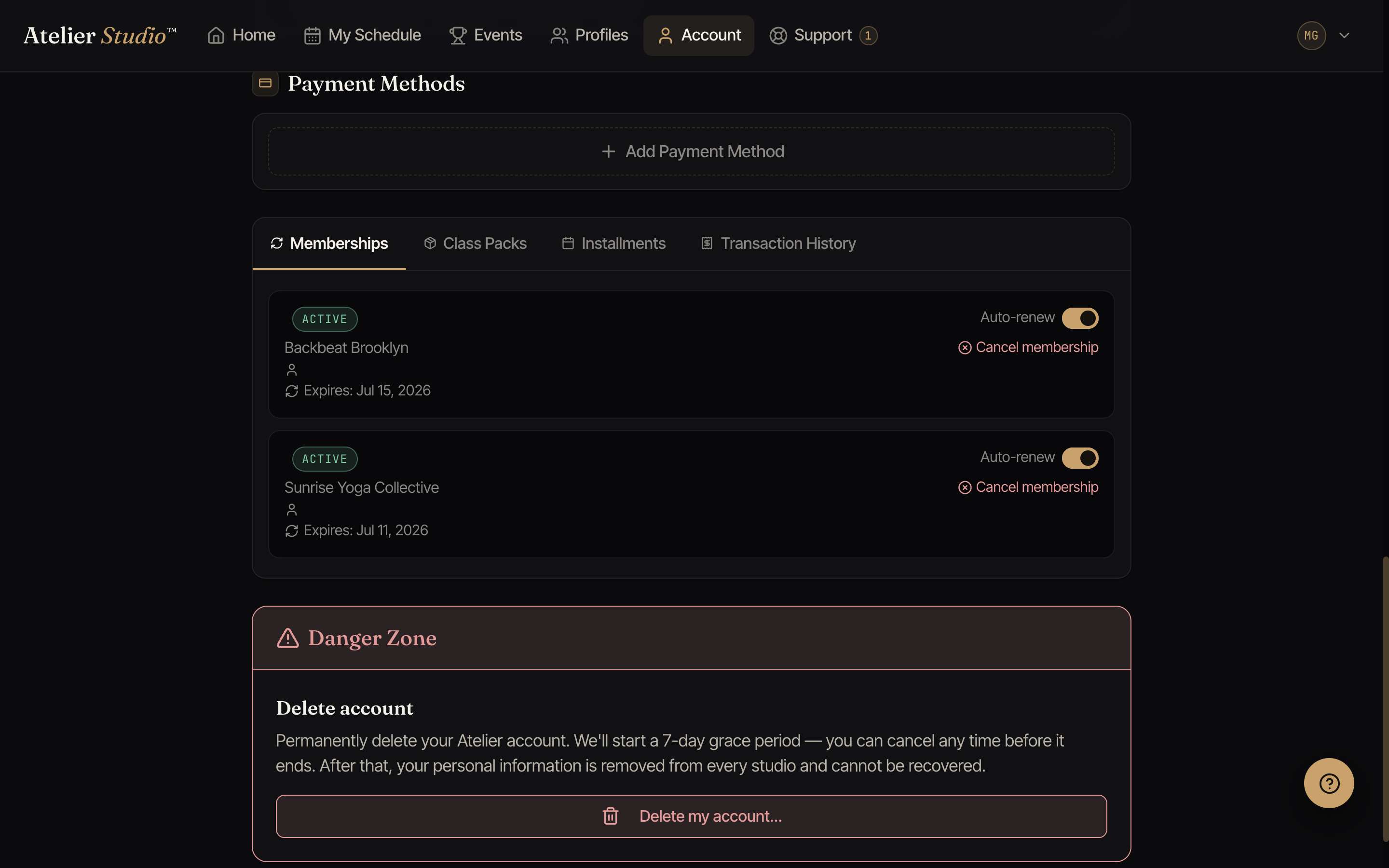
Open Account and find the Memberships and Class Packs tabs. You’ll see what’s active, how many classes are left, and when each one renews or expires. A class pack or class credit is removed from this list when it expires, and a cancelled membership is removed when you cancel it. You can’t use them to pay for a class anymore.
Auto-renew, pausing, and canceling
Each membership has an Auto-renew switch. Turn it off and the membership runs to the end of its term, then stops. To end one now, select Cancel membership.
Some studios let you pause a membership yourself instead of cancelling it. If your studio has this turned on, you’ll see a Pause button next to an active membership. Pausing doesn’t set an end date: your membership stays paused, with no charges, until you come back and select Resume, or a staff member resumes it for you. If you don’t see a Pause button, your studio has kept pausing as a staff-only action, so message the studio and they can pause it on their end.
Coming to the same class every week
If you take the same class every week, your membership can auto-enroll you in it, so you keep your spot without re-booking, and you don’t lose it when your membership renews. Manage it from the Auto-enroll tab on your Account. See Auto-enrollment.