
For customers · Your Account & Passes
Payment methods
Add, change, or remove the cards you use to pay for classes and passes.
Save a card once and booking becomes a single tap. Your card details are held securely by our payment processor, Stripe, and never by the studio.
Add a card
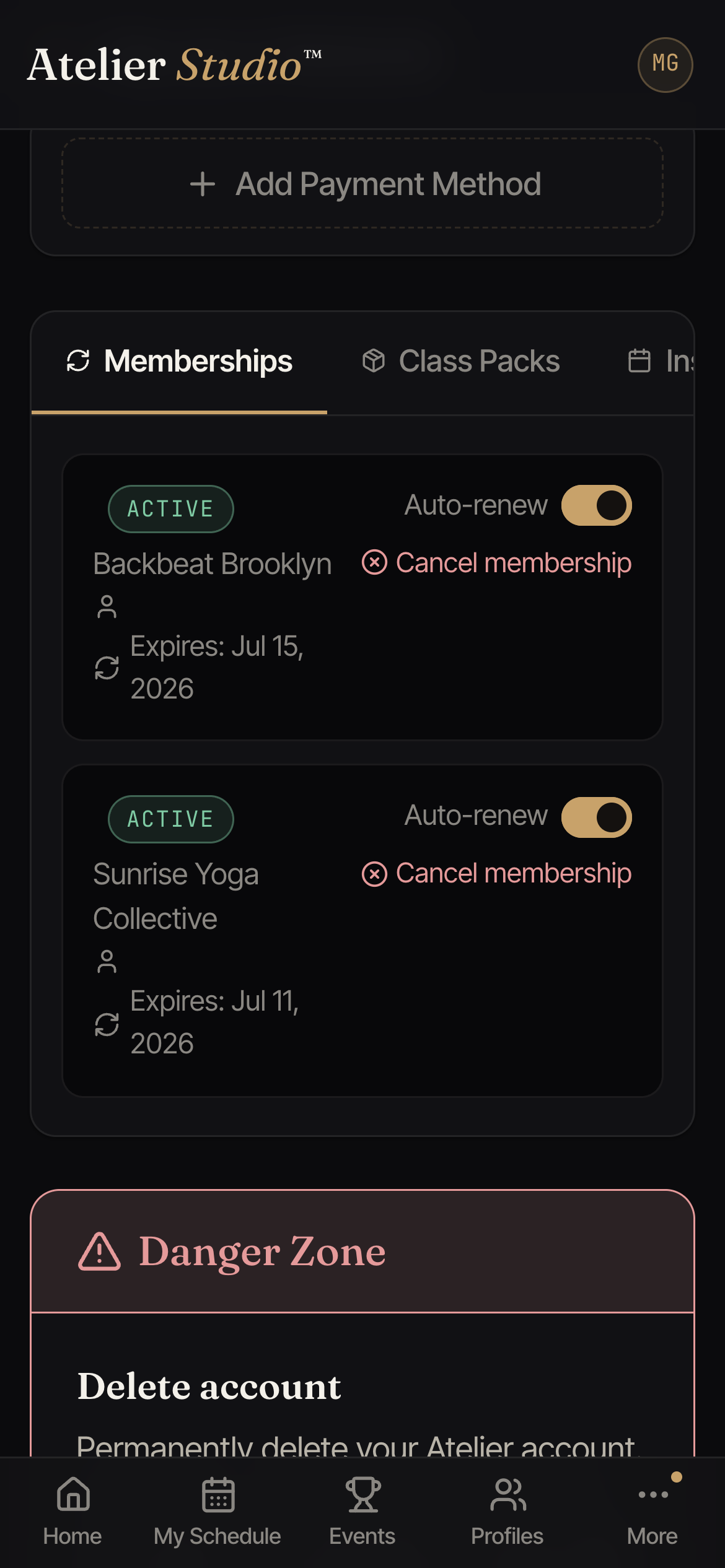
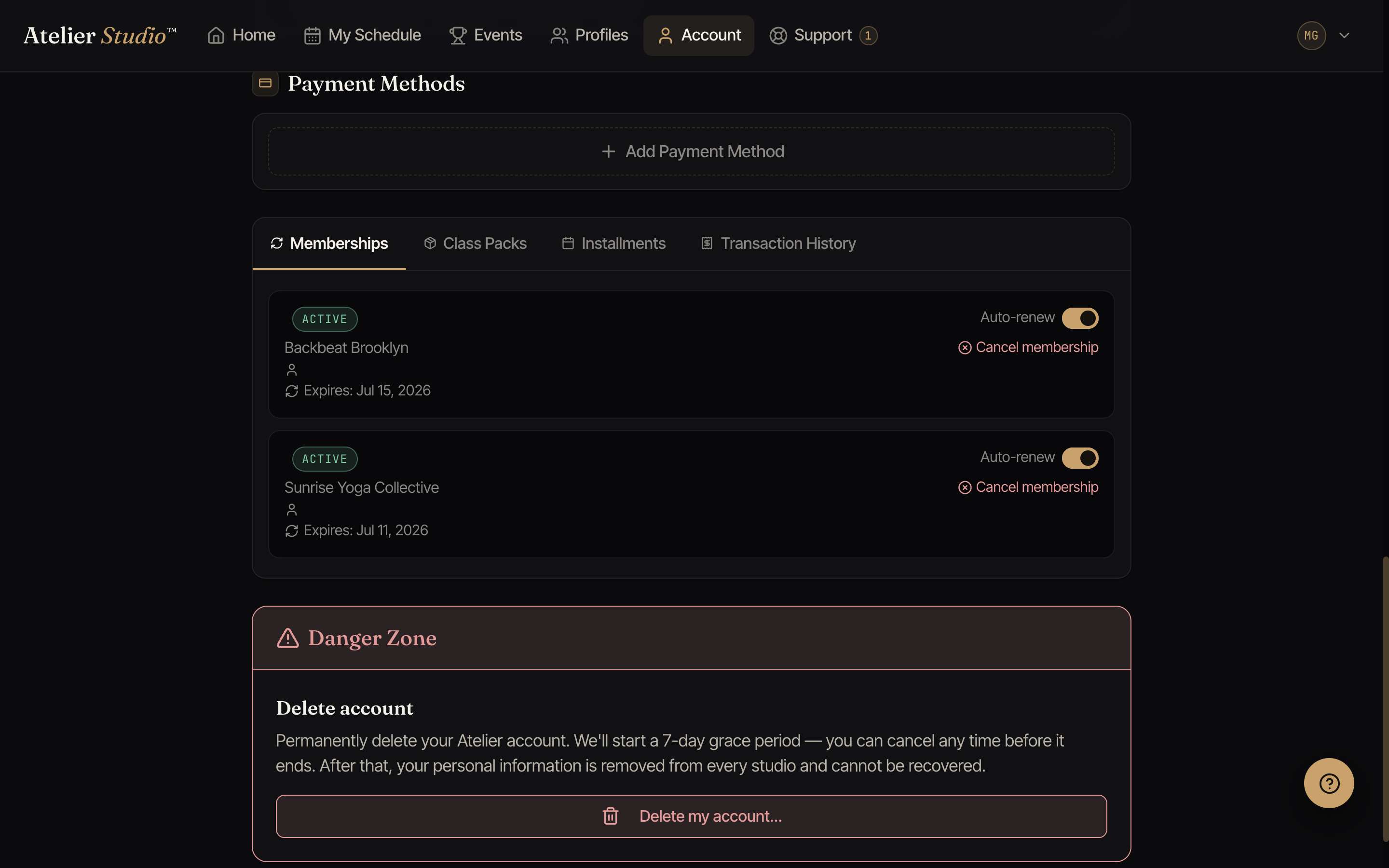
Open Account and find Payment Methods, then select Add Payment Method. The first card you add becomes your default for bookings.
Change your default
Have more than one card? Open the one you want and make it your default. That card is used for new bookings unless you pick another at checkout.
Remove a card
Select a card and choose to remove it. You can’t remove a card that’s mid-way through paying for an active membership, so switch your default first.
Stop a studio from charging a card
You decide which studios may charge each card. On the card, you will see a list of studios that can charge it. Select Stop next to a studio, and that studio can no longer charge that card. The card stays in your account, and your other cards and other studios are not changed.
Only you can turn it back on. The studio cannot do it for you. If you add the card again, or your bank sends you a new card and you add it, the studio can ask for your OK again.
Stopping only covers charges made when you are not there. If you are at the studio and agree to pay with this card, they can still charge it that time, and your stop stays on.