
For customers · Booking & Classes
Canceling or rescheduling
Cancel a class you can't make, switch to another time, and understand your studio's refund window.
Plans change. Here’s how to cancel or move a booking, and what happens to your payment.
Cancel a booking
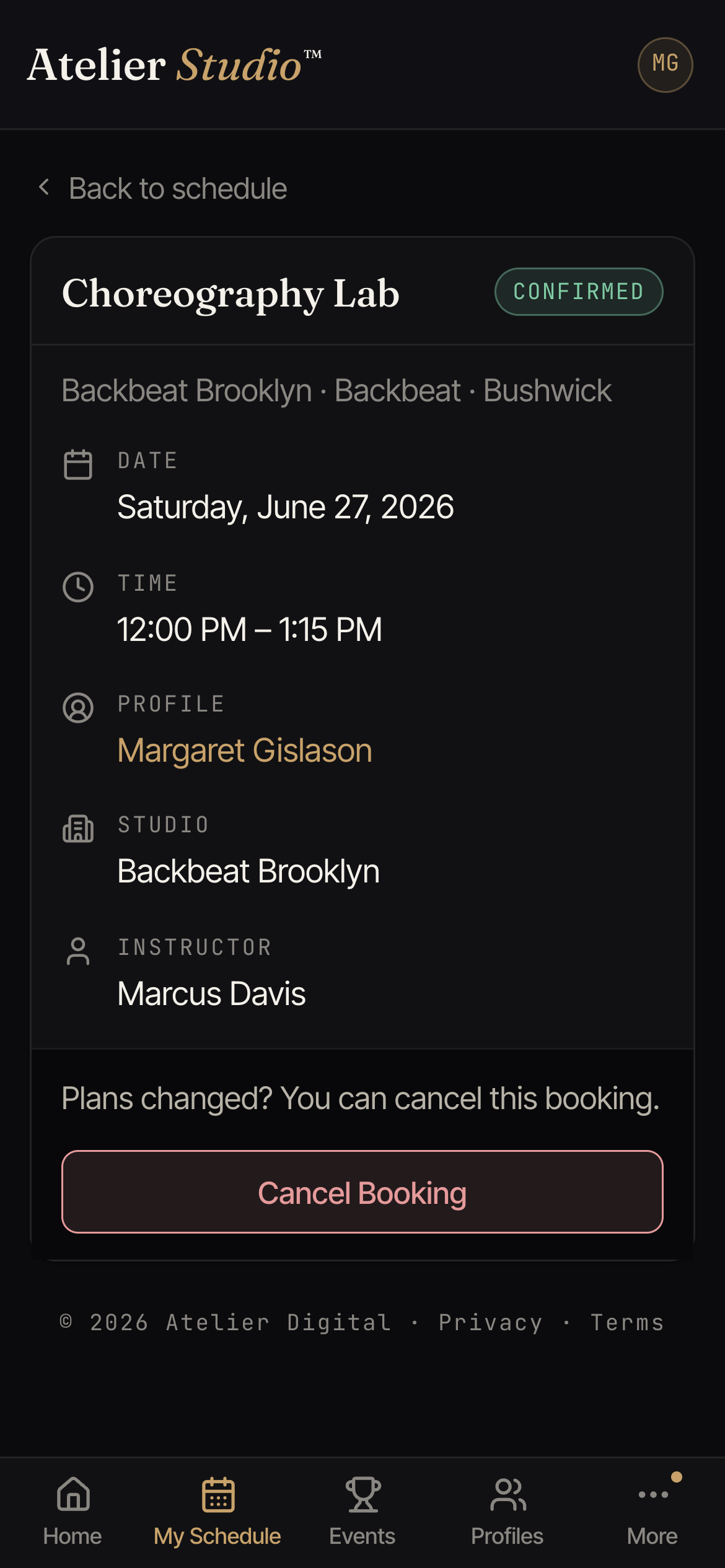
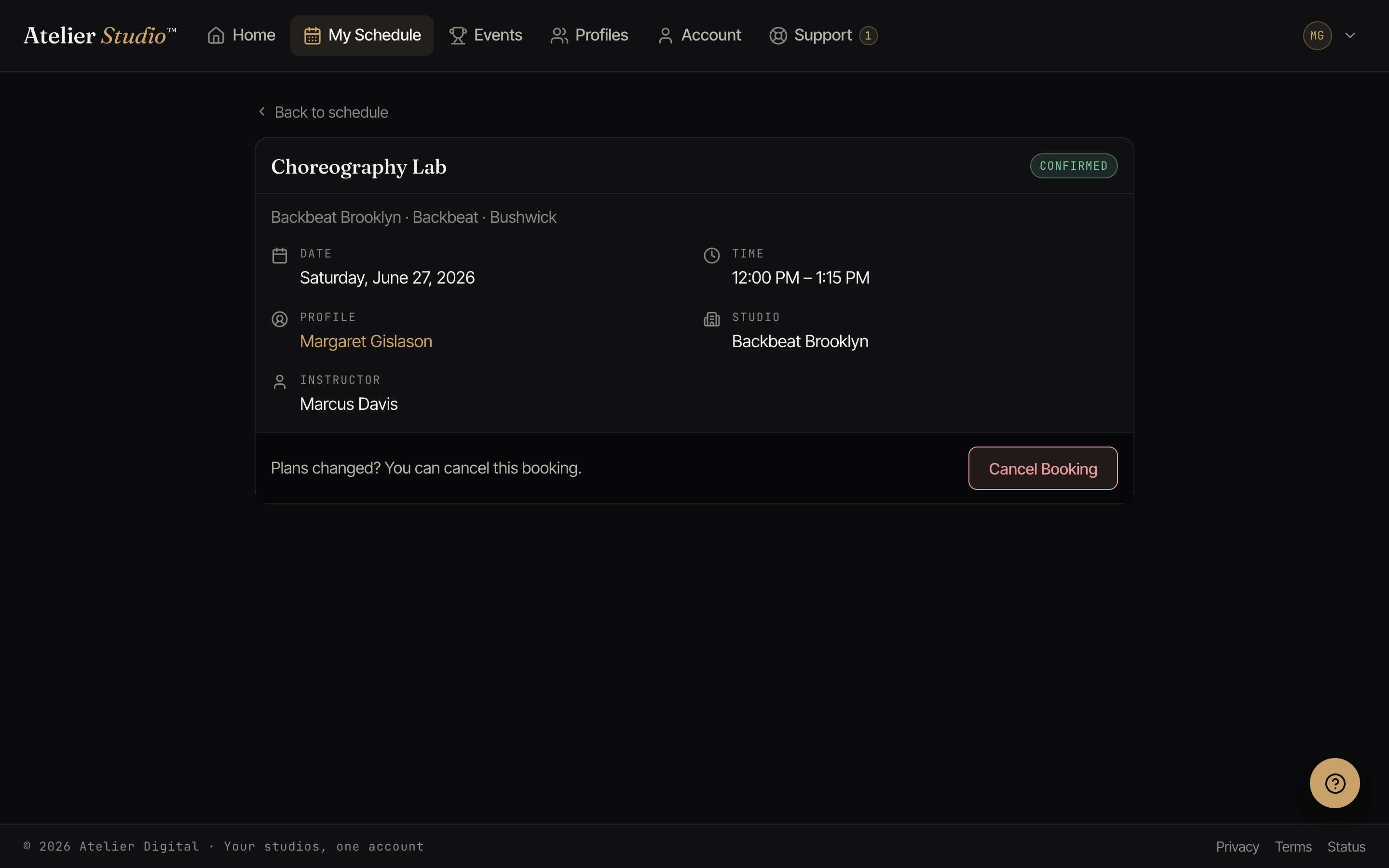
Open My Schedule, select the class, and choose Cancel Booking. Your spot is released right away so someone on the waitlist can take it.
Refunds
Whether you’re refunded depends on your studio’s cancellation window, which is shown when you book and again when you cancel.
- Cancel in time. You’re refunded automatically: drop-in payments go back to your card, and class credits return to your pass or membership.
- Cancel late. The class is forfeited, in line with the studio’s policy. If your studio decides to give the class back, the booking then shows Cancelled (class returned), and the class is added back to your membership or pass. You do not need to do anything.
If you cancel a class late and then book the same class again, it uses only one class from your membership, not two.
Make-up classes
Sometimes your studio books a make-up class for you after you miss a class. You see Make-up class (or Make-up lesson for a private lesson) on the booking in My Schedule, with the date of the class you missed.
A free make-up class costs you nothing. If you cancel it, you do not get a class or money back. If your make-up used a credit or a class from your pass, that credit comes back when you cancel before the class starts.
Rescheduling
To move to another time, cancel the booking (within the window) and book the class you’d prefer. If you booked with a pass or membership, the credit returns and is used again on the new class.