
For customers · Booking & Classes
Waitlists and full classes
Join the waitlist for a full class and get your spot automatically when one opens.
If a class is full, you don’t have to keep checking back. Join the waitlist and the app handles the rest.
Joining the waitlist
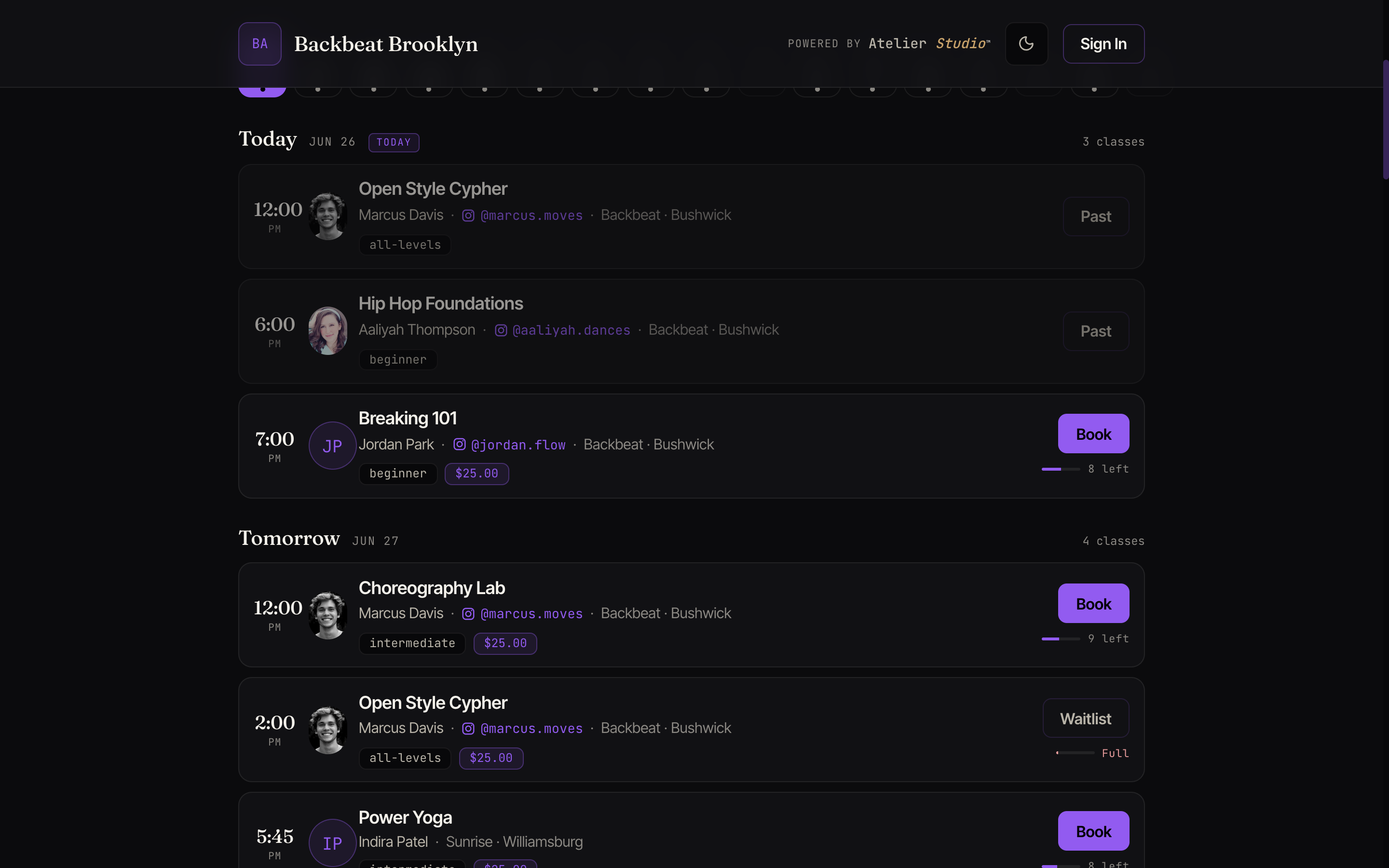
When a class is full, the button shows Waitlist instead of Book. Select it to join the queue. You’re not charged anything to wait.
Getting a spot
When someone cancels, the first person on the waitlist gets the spot. Depending on your studio’s setup, either:
- You’re booked automatically and notified (and charged, if it’s a drop-in), or
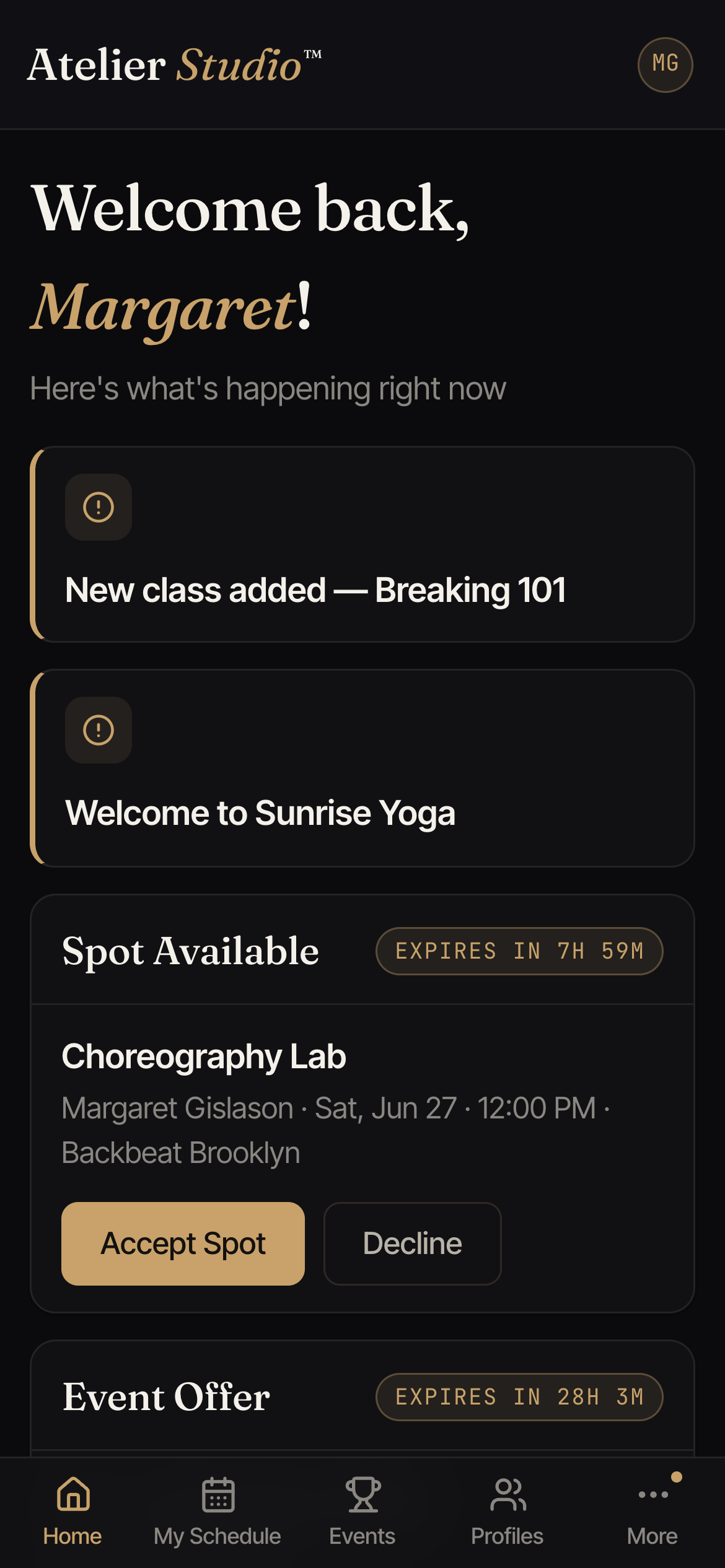
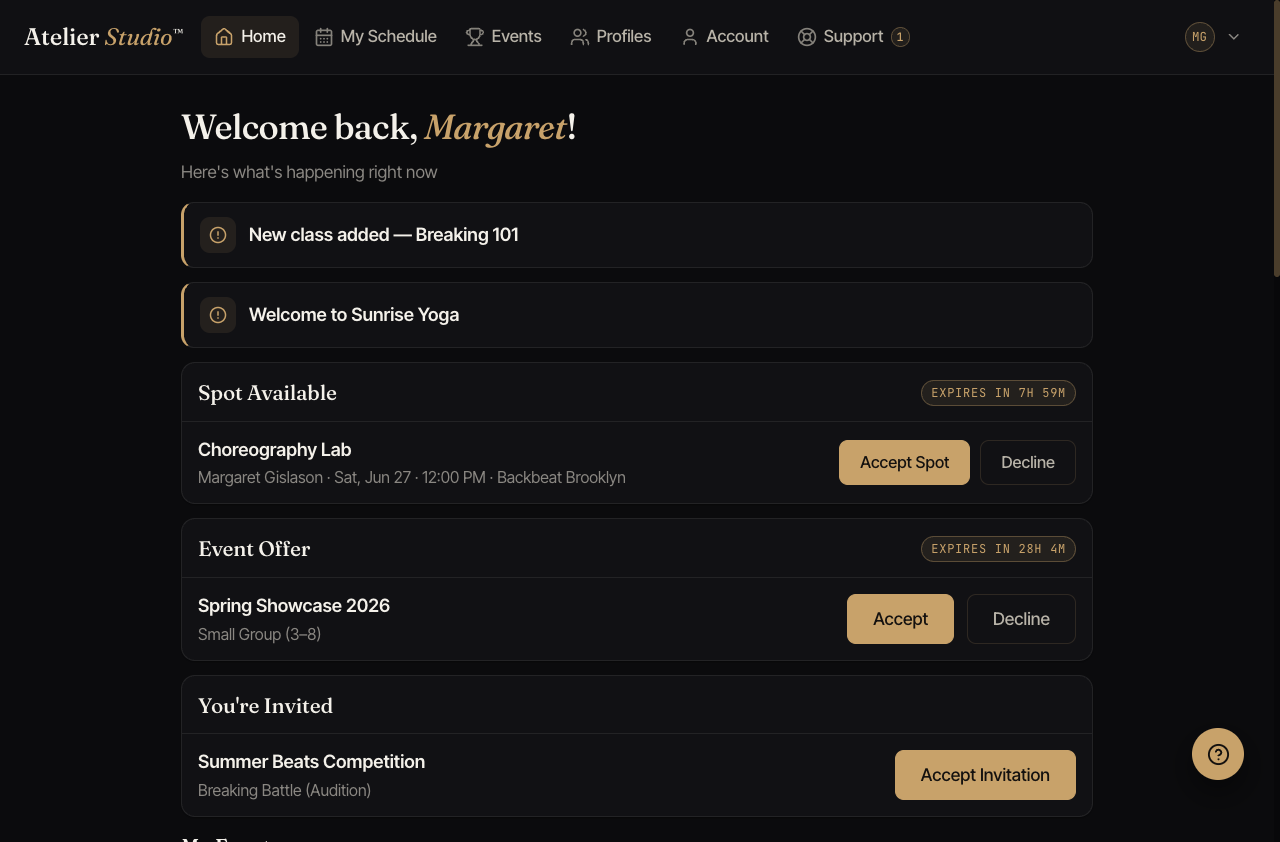
- You’re offered the spot for a short window. Accept in time to claim it, or it passes to the next person. The offer shows up on your home screen with a countdown.
Leaving the waitlist
Changed your mind? Open the class under My Schedule and leave the waitlist. There’s a cut-off before class after which waitlists close.