
For customers · Booking & Classes
Booking for your child
Add your kids to your account and book their classes under their own name.
If your children take classes too, you can keep everyone on one account and book each child under their own name. The studio sees who’s actually in the room, and each person gets their own schedule.
Add your family first
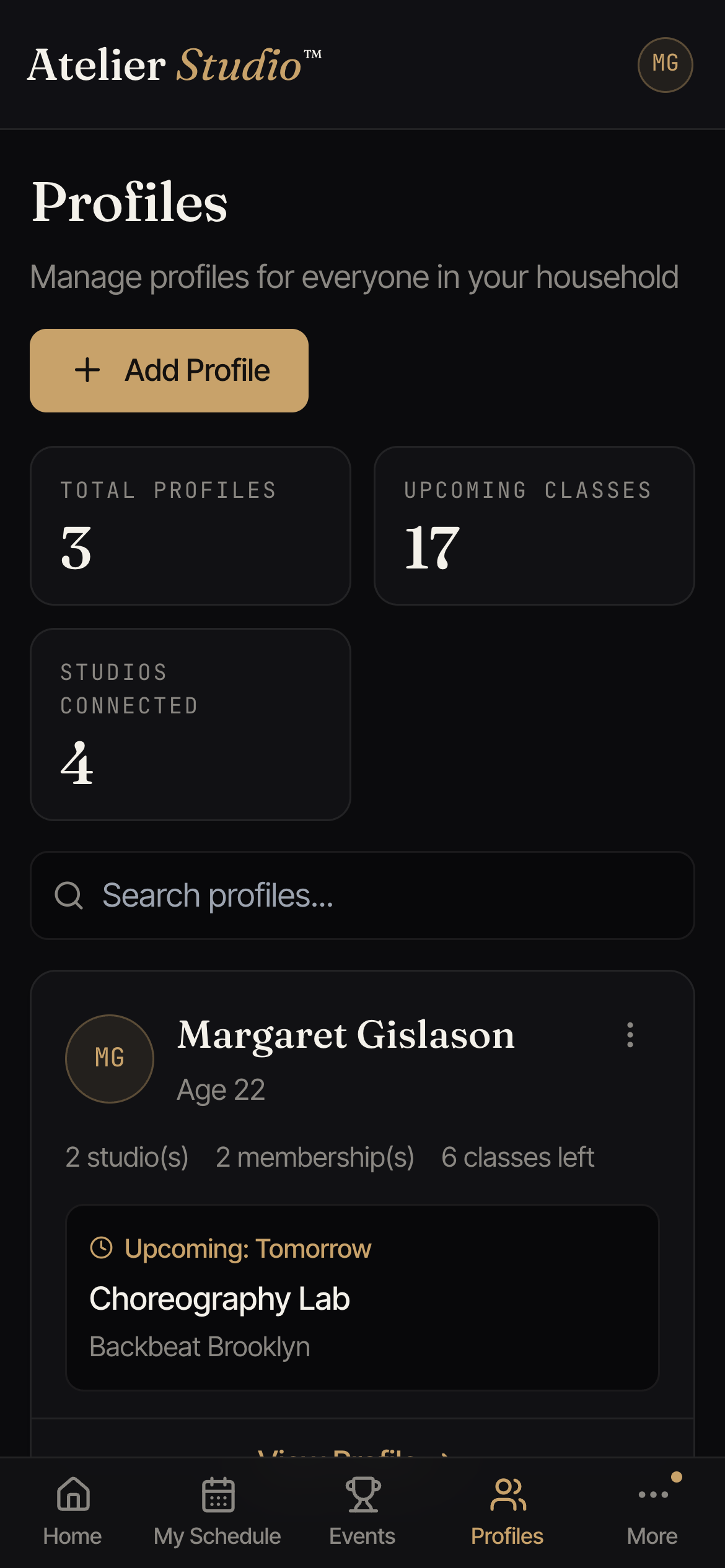
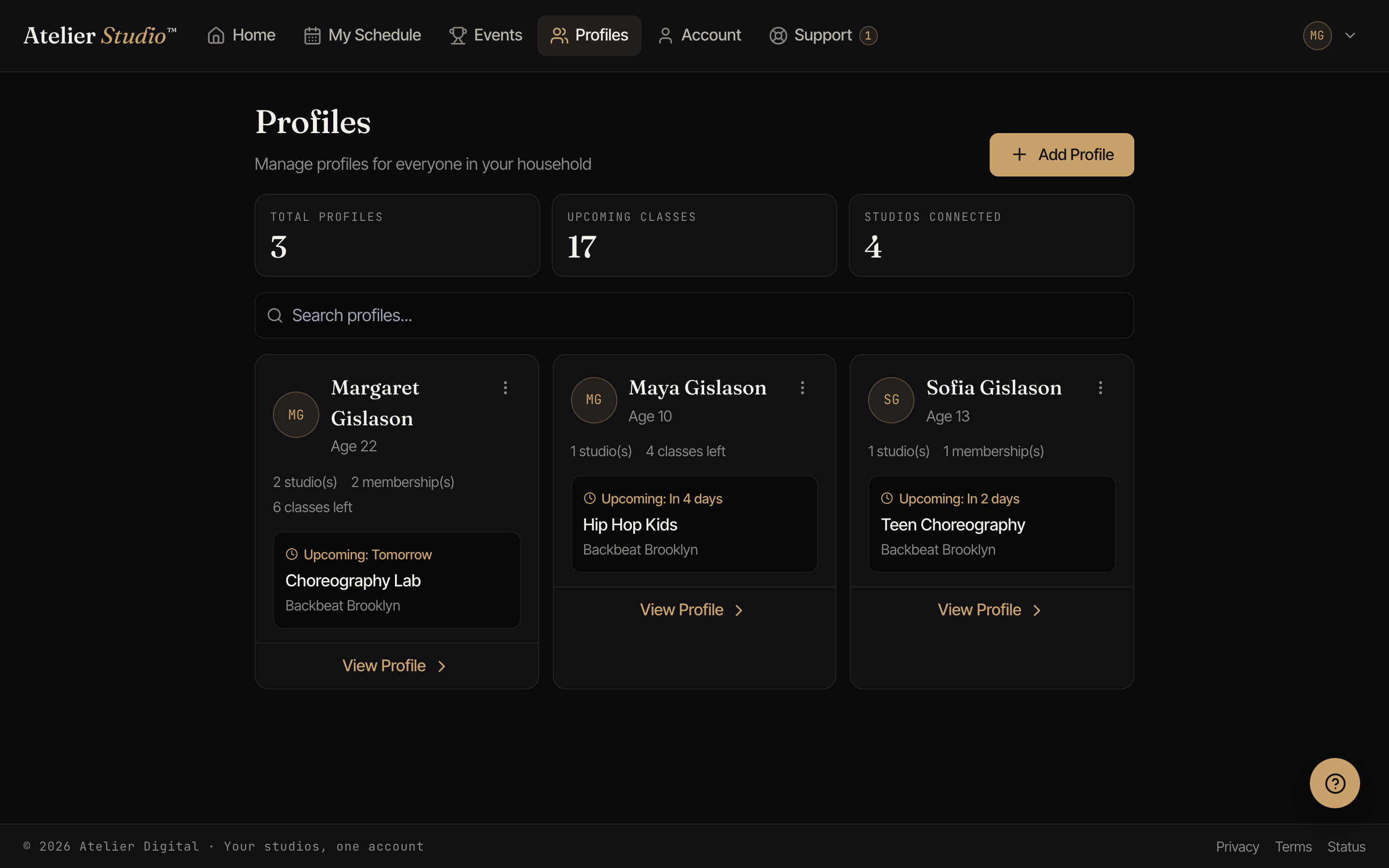
Each family member is a profile on your account. Add your kids once and they’re ready to book. See Household profiles for how to add and edit them.
Booking under their name
When you book a class, choose who it’s for before you confirm. Pick the child’s profile and the booking (and any reminders) go under their name.
If your child goes to the same class every week, you can reserve them a recurring weekly spot instead of re-booking each time. Just choose their name when you set it up. See auto-enrollment.
Seeing just their classes
On My Schedule, use the profile filter to show one child’s classes on their own. It’s an easy way to check who’s booked into what this week.